
FTP / SFTP / SCP / FTPS desktop client for Windows
A fast, modern file transfer client with a dual-pane interface, encrypted credential storage, drag-and-drop transfers, and direct remote file editing. Handles the protocols you actually use without the bloat of legacy clients.
Free for everyone · personal, work, and commercial use · no license key
ClumsyFileMover™ is a dual-pane desktop FTP client. Local filesystem on the left, remote server on the right. Direct arrows and drag-and-drop move files between the two. It handles the full workflow — browse, transfer, edit, sync — without a dozen dialog boxes in the way.
User feedback was clear: transfer confidence should live inside the app, not only in a log file. The next transfer-focused improvement is planned around live status, current-file visibility, moved/skipped/error counts, checksum verification state, and a clear completion summary when the job finishes.
Exportable proof-of-transfer reports are part of the plan for users who need a receipt for themselves, a client, or future troubleshooting. The in-app summary comes first; the exported report is the paper trail.
All four protocols handled with a single connection manager.
Fast direct transfers with full control over conflicts and speed.
Encrypted at rest, verified on connect.
Migrate from other clients or back up your connection list.
Go beyond transfers — edit, sync, and manage remote files directly.
Manage dozens of connections cleanly.
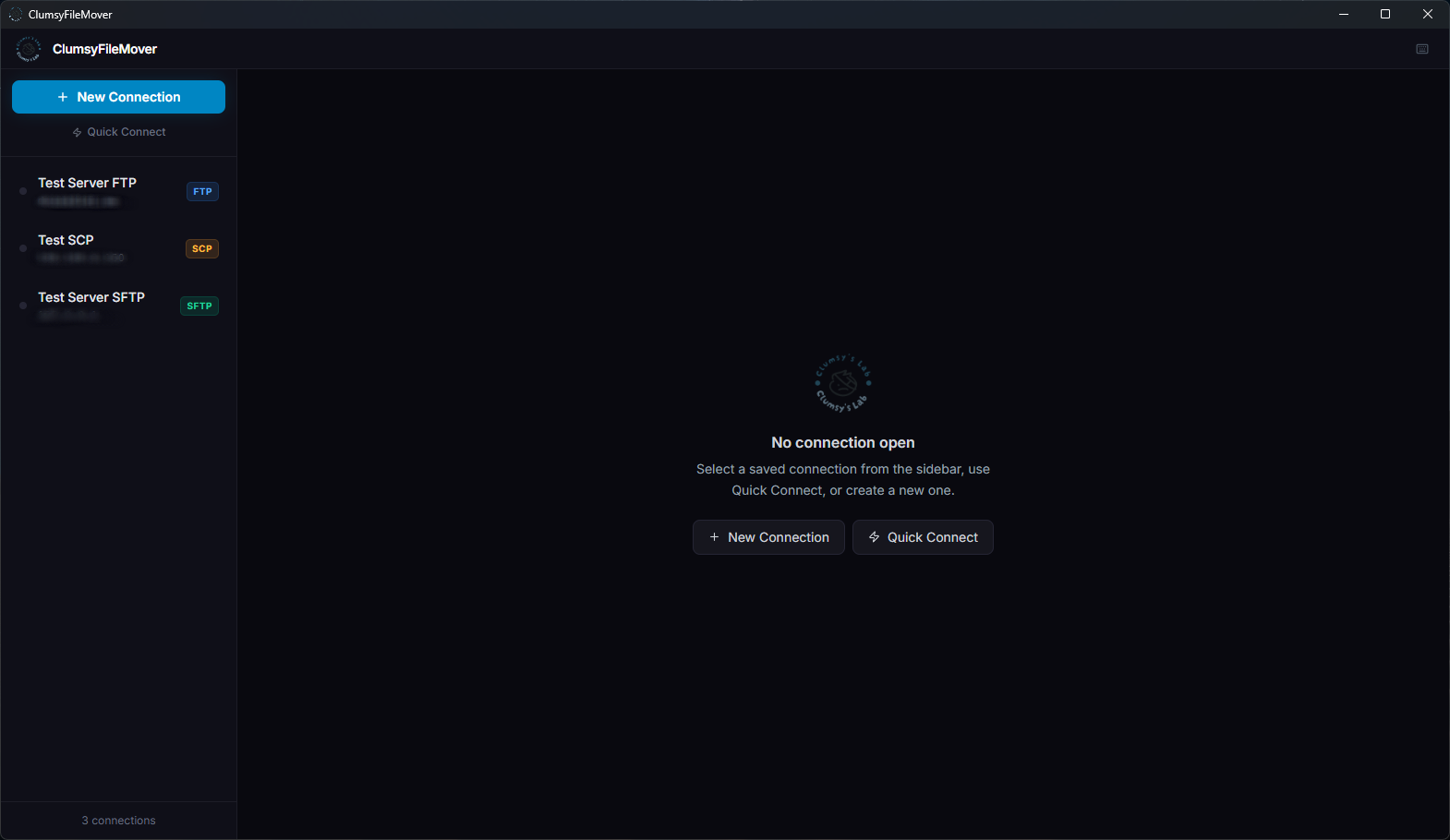
Current UI screenshots of ClumsyFileMover v1.0.5 — real screenshots of the running app.


Looking for a Windows FTP client or SFTP client? These short pages explain where ClumsyFileMover fits without dragging competitor names into the page title.
ClumsyFileMover™ is free for everyone: home, homelab, work, and client projects. It handles FTP, FTPS, SFTP, and SCP with a dual-pane interface, encrypted credential storage, and a full set of power-user features. No license key, no account, no trial, no feature limits, no nags.
The Microsoft Store is the easiest way to install it: Windows trusts it out of the box and keeps it updated for you. The direct installer on the downloads page is still here for Windows Server, LTSC, offline installs, and machines without the Store. Windows 10/11 only — no admin rights required for user-scope installs.