v0.1.11-beta.1 · Public Beta: commercial license activation now live. See what's new · Download · Get Pro license.

ClumsyFileMover

v0.1.11-beta.1 · Public Beta · Windows

FTP / SFTP / SCP / FTPS desktop client for Windows

A fast, modern file transfer client with a dual-pane interface, encrypted credential storage, drag-and-drop transfers, and direct remote file editing. Handles the protocols you actually use without the bloat of legacy clients.
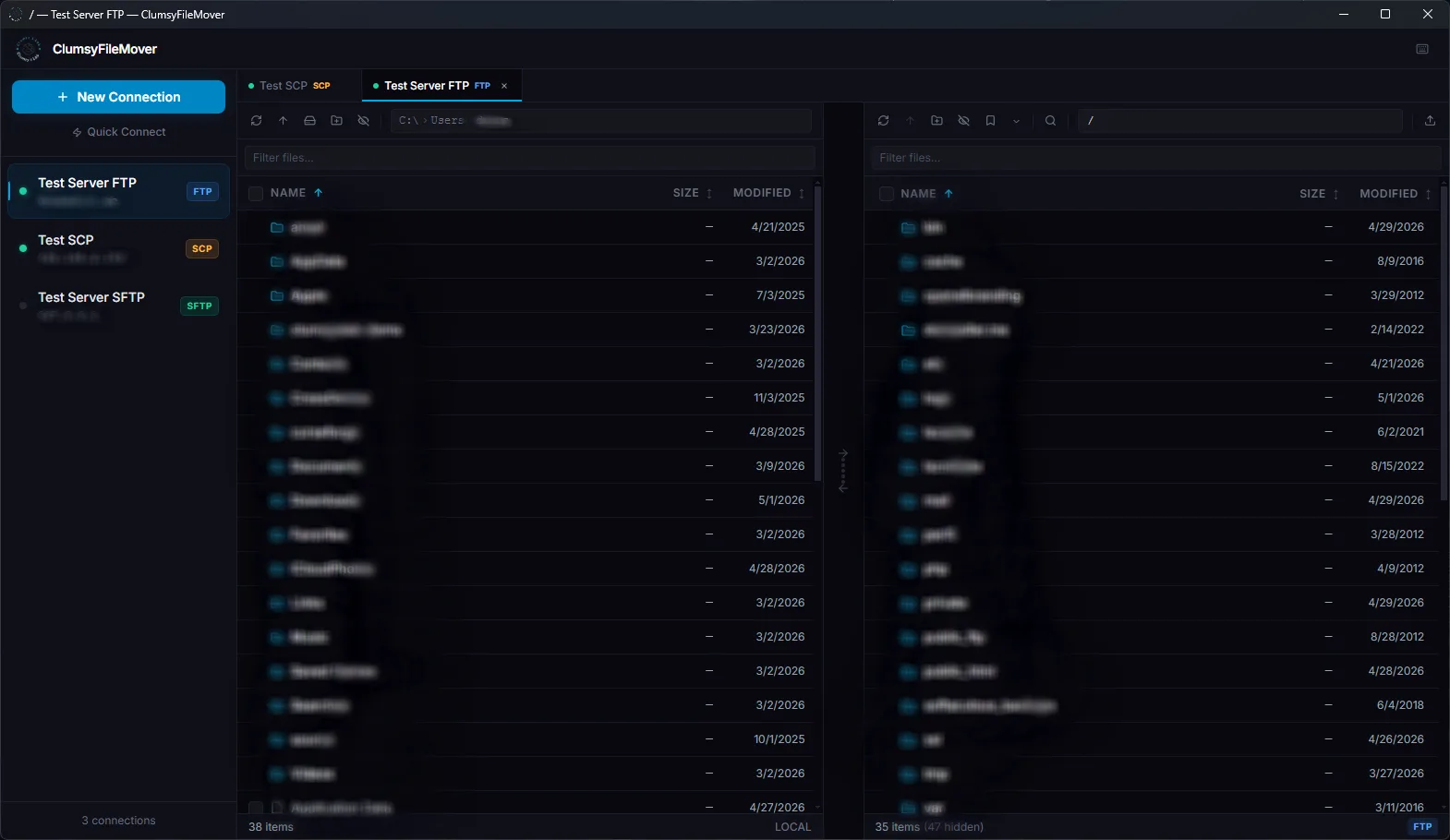
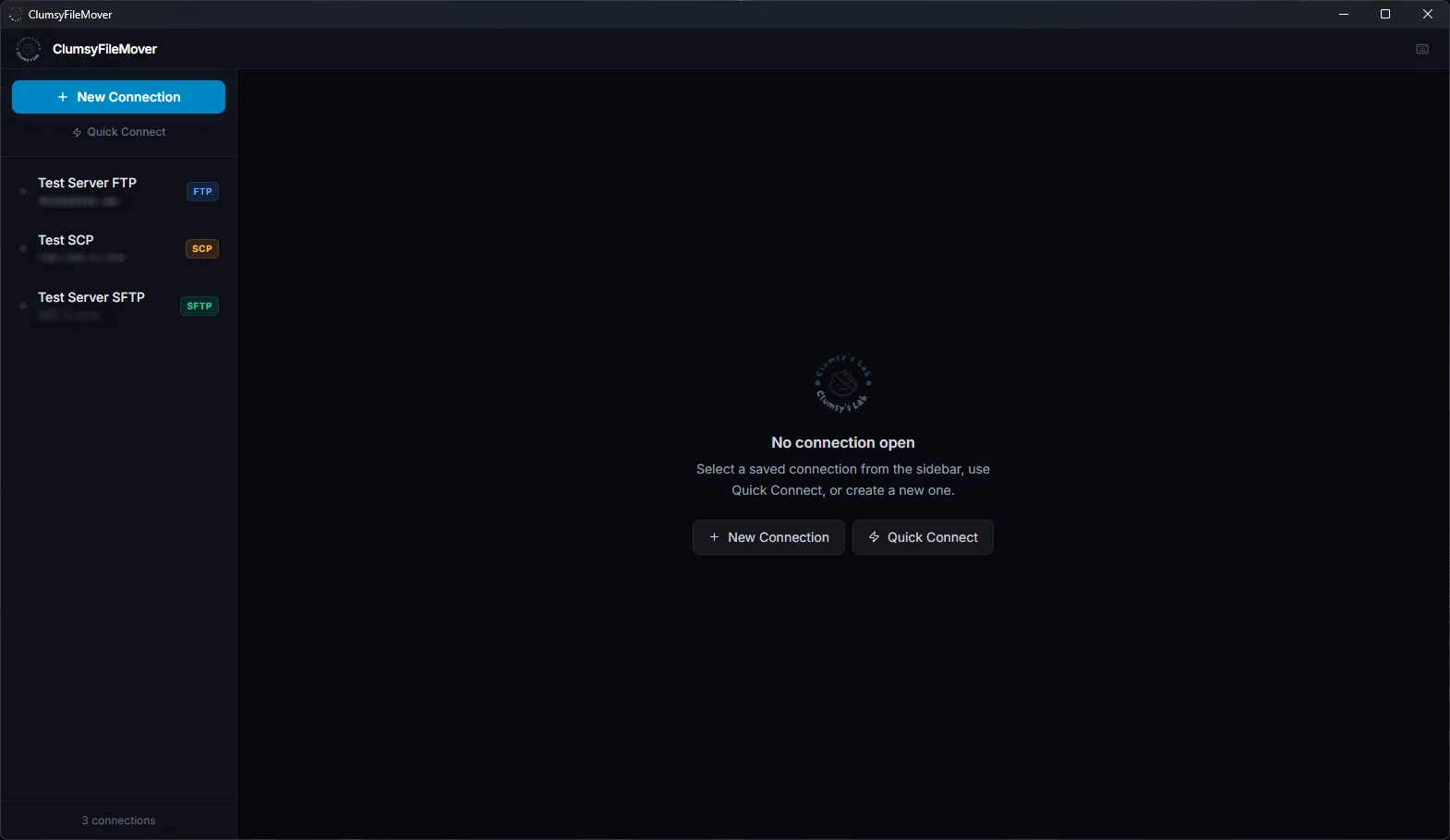
ClumsyFileMover dual-pane file transfer workspace screenshot
Real public beta UI, not a mockup Dual-pane transfers · FTP · SFTP · SCP

Public Beta · Available now for Windows testers

FTP · FTPS · SFTP · SCP Encrypted credentials Drag-and-drop transfers WinSCP & FileZilla import Remote file editing Transfer profiles & speed limit
What it does

ClumsyFileMover™ is a dual-pane desktop FTP client. Local filesystem on the left, remote server on the right. Direct arrows and drag-and-drop move files between the two. It handles the full workflow — browse, transfer, edit, sync — without a dozen dialog boxes in the way.

Dual-pane browser
Local and remote side by side. Resizable divider. Both panes support multi-select with checkboxes, Ctrl+click, and Shift+click range. Directories are selectable and transferred recursively.
Four protocols
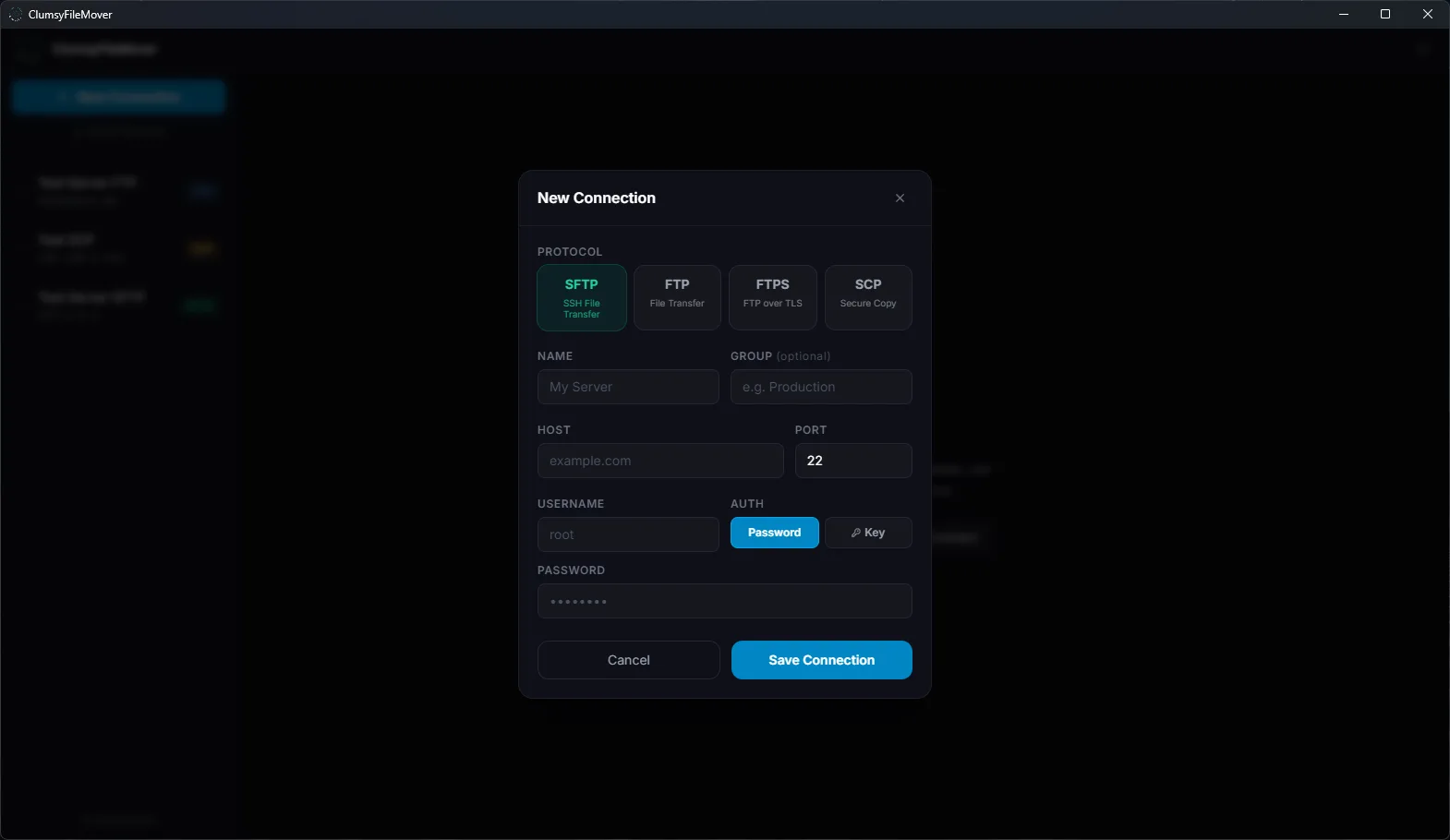
FTP, FTPS (explicit TLS), SFTP, and SCP. Password or private key auth for SFTP/SCP. Per-connection FTP transfer mode (ASCII / Binary / Auto). Self-signed cert option for FTPS.
Transfer queue
Live progress per file. Active, Done, and Failed tabs. Pause and resume without disconnecting. Speed limit (KB/s) applies globally to all uploads and downloads. Resume partial downloads from the conflict modal.
Security-first credentials
Enable a master password to encrypt all stored credentials with AES-256-GCM and PBKDF2 (200k rounds). A lock screen blocks the app on startup until unlocked. SSH host key fingerprint verification on every new SFTP/SCP connection.
Import & export
One-click import from WinSCP (Windows registry) and FileZilla (sitemanager.xml). Export all connections to an encrypted .cfmbak backup file. Import on any machine with the same passphrase.
Remote operations
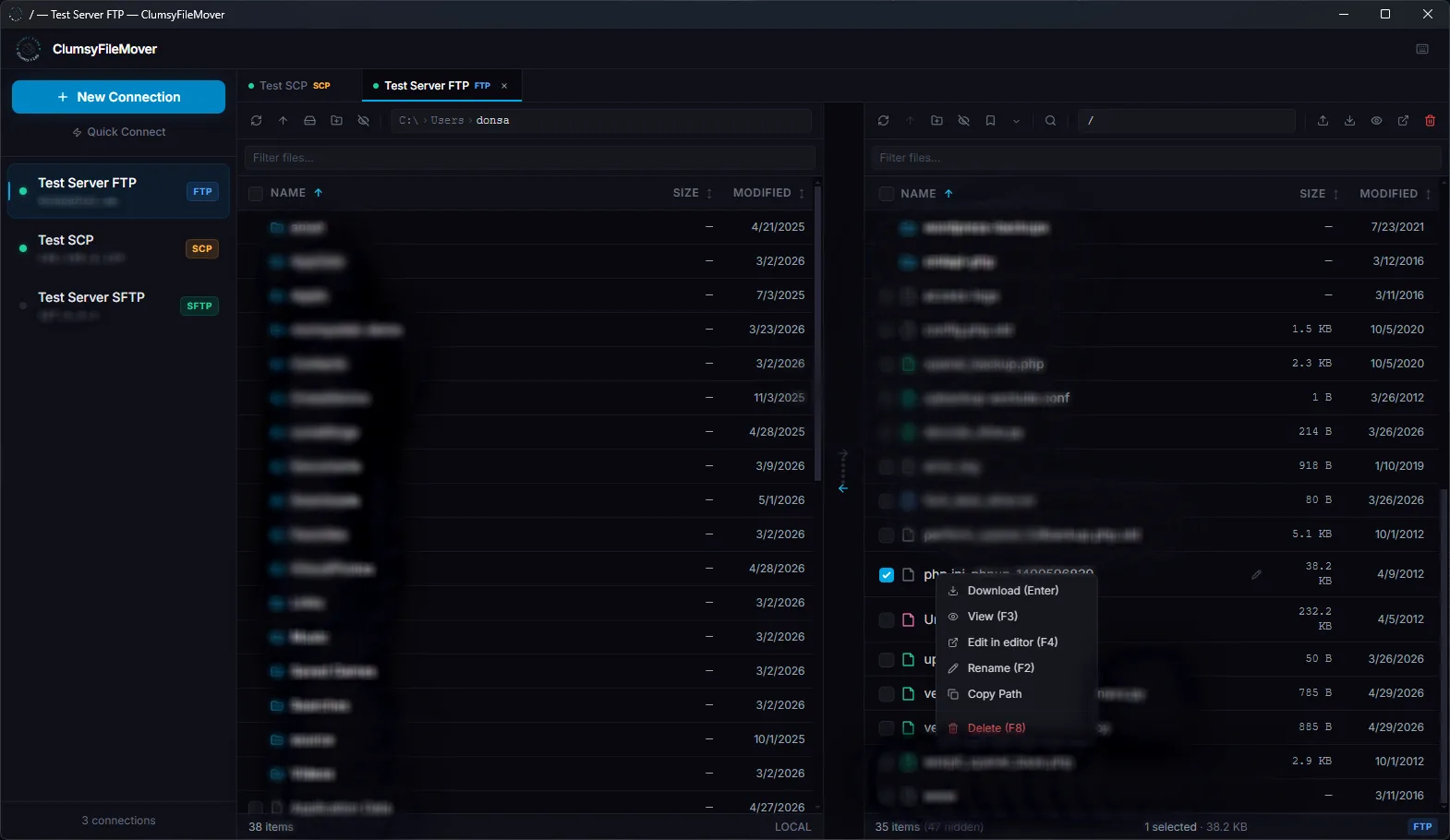
Edit remote files in your editor and changes auto-upload on save. Recursive chmod. Create symlinks on SFTP/SCP. Folder sync with push/pull diff view. Bookmarks and per-connection path history.

Feature highlights

🔌

Protocol support

All four protocols handled with a single connection manager.

  • SFTP & SCP — password or private key (PEM)
  • FTP & FTPS — explicit TLS, self-signed cert option
  • Per-connection FTP transfer mode
  • Test Connection before saving credentials
↕️

Transfers

Fast direct transfers with full control over conflicts and speed.

  • Drag-and-drop between panes
  • Conflict modal — skip, newer, larger, overwrite, resume
  • Transfer speed limit in KB/s
  • Pause / resume queue
  • Transfer profiles — save your default conflict rules
🔒

Security

Encrypted at rest, verified on connect.

  • Master password — AES-256-GCM credential encryption
  • Lock screen on startup until unlocked
  • SSH host key fingerprint verification
  • Mismatch warning on key change
📂

Import & export

Migrate from other clients or back up your connection list.

  • Import from WinSCP — reads Windows registry
  • Import from FileZilla — reads sitemanager.xml
  • Export encrypted .cfmbak backup
  • Import backup on any machine
✏️

Remote tools

Go beyond transfers — edit, sync, and manage remote files directly.

  • Remote edit — F4 opens file, auto-uploads on save
  • Recursive chmod (SFTP/SCP)
  • Create remote symlinks (SFTP/SCP)
  • Folder sync with push/pull diff view
  • Remote file search (Ctrl+F)
🗂️

Connection management

Manage dozens of connections cleanly.

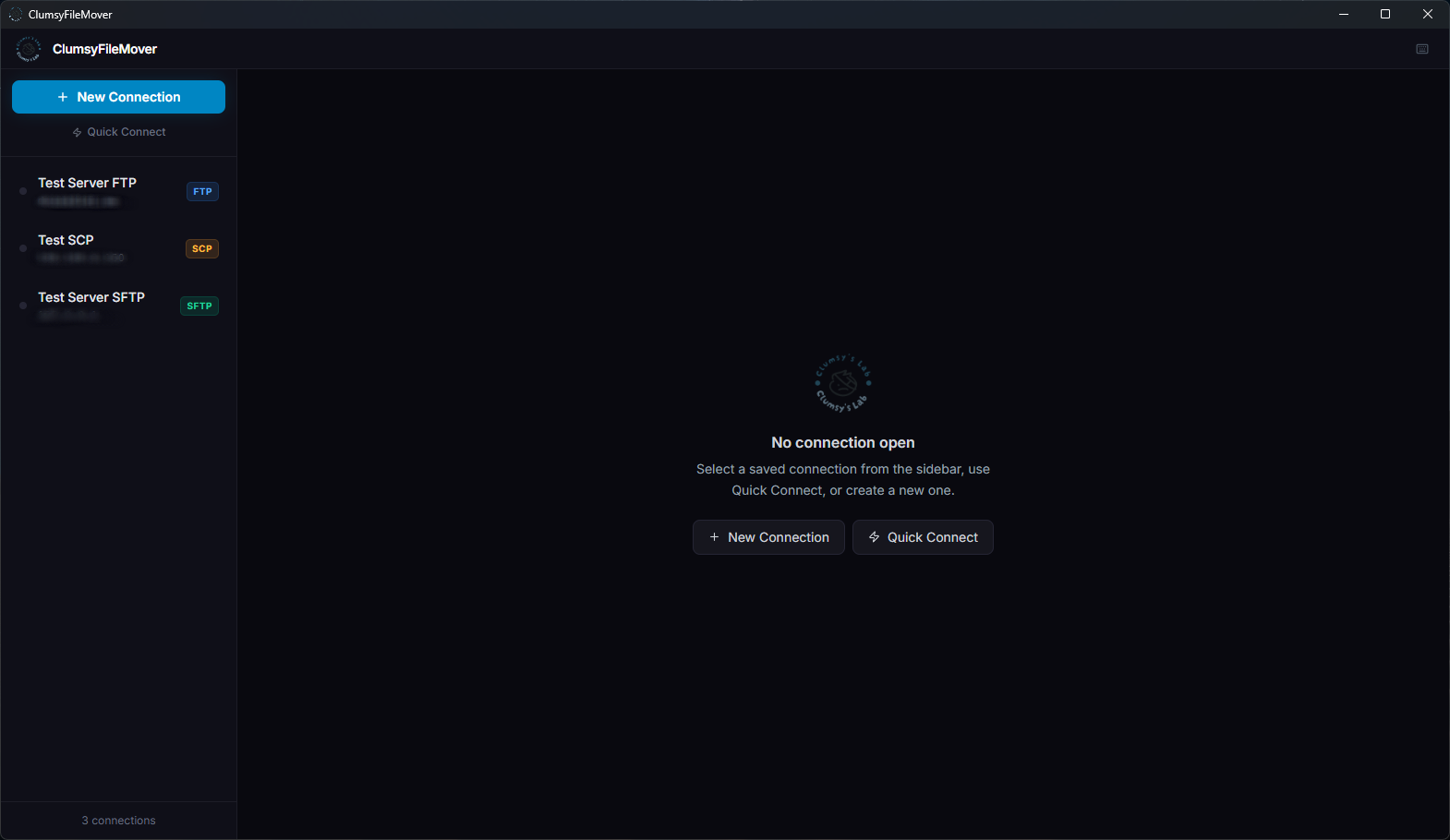
  • Groups — collapsible sections, drag-and-drop to move
  • Sidebar search and sort (A–Z / protocol)
  • Session restore — tabs reopen on next launch
  • Taskbar jump list — open any connection from the tray
  • Import from WinSCP or FileZilla in one click

Screenshots

Current UI from the public beta. The interface is stable — these are real screenshots of the running app.

ClumsyFileMover main dual-pane workspace
Main dual-pane workspace
ClumsyFileMover new connection dialog
New connection setup
ClumsyFileMover multi-tab sessions
Multi-tab sessions
ClumsyFileMover transfer queue and options
Transfer queue and options

Latest release

v0.1.11-beta.1
2026-05-18
Public Beta
  • Commercial license activation — Settings → License section for ClumsyFileMover Pro commercial license activation. Activate, view status, and manage your license key directly in the app.
  • Anonymous product telemetry — Opt-out anonymous telemetry to help improve ClumsyFileMover during beta. Records startup, transfer outcomes, protocol, OS version, and error category.
  • Privacy-safe by design — File names, folder paths, server names, IP addresses, usernames, passwords, connection strings, and file contents are never sent.
  • Opt-out — Telemetry can be disabled from Preferences → General → Privacy at any time.
Full changelog →    Download Beta 1 →

Common Windows file transfer workflows

Looking for a Windows FTP client or SFTP client? These short pages explain where ClumsyFileMover fits without dragging competitor names into the page title.

FTP client for Windows SFTP client for Windows

Public beta — download and try it

ClumsyFileMover™ is in active development and currently available as a public beta. It is real, working software — not a landing page for something that does not exist yet. The feature set is already substantial and updates ship regularly.

Download the current public beta from the downloads page, join the Discord server for feedback and support, or email directly if you need help. Builds are Windows-only at this stage. An NSIS installer is provided — no admin rights required for user-scope installs.

Join Discord Email support  ·  Downloads page  ·  Documentation